
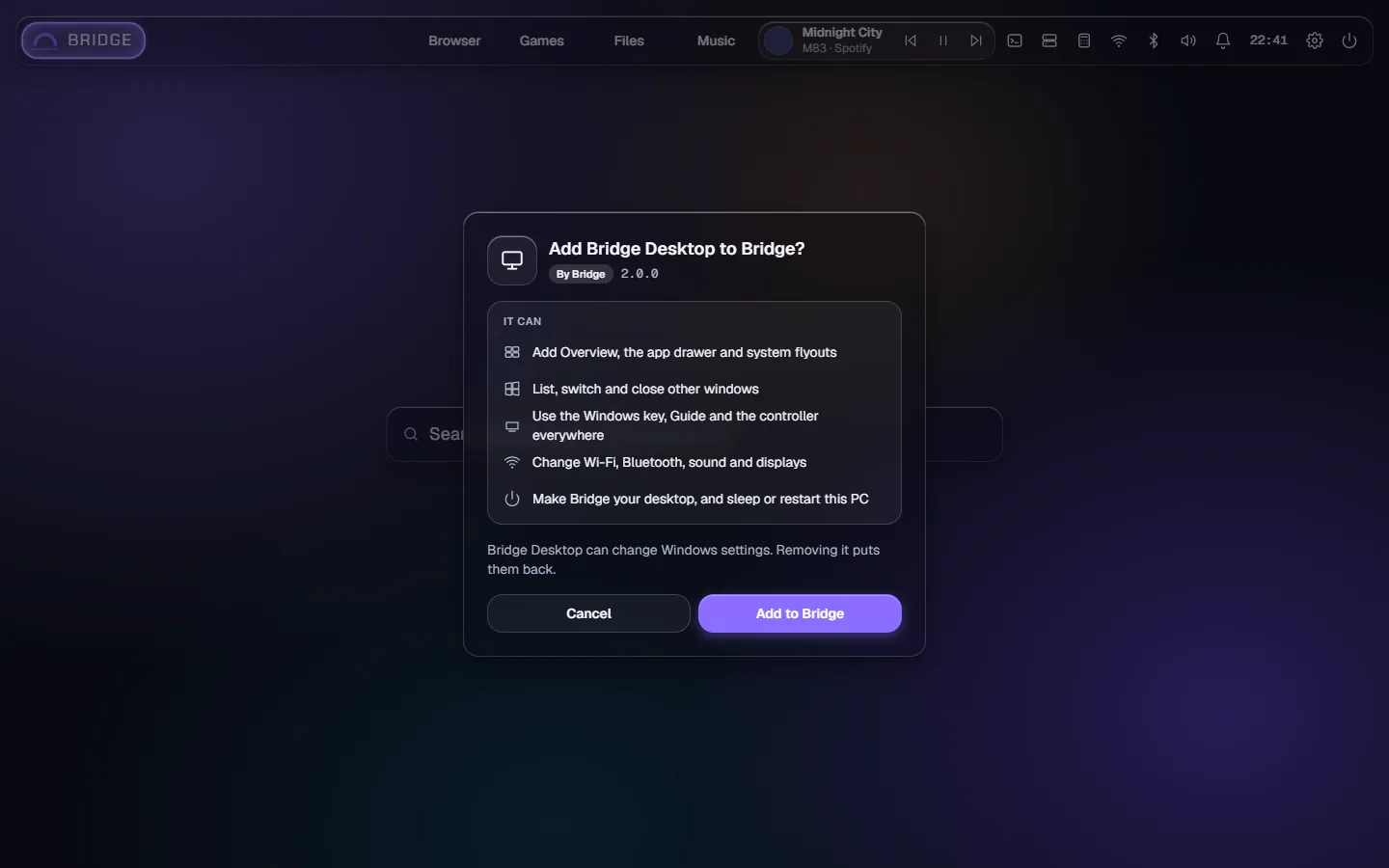
Bridge Desktop adds your PC's own controls to Bridge: Wi-Fi, Bluetooth, sound, how busy the PC is and your notifications in the top bar; Wi-Fi, sound, Bluetooth, displays, storage and This PC in Settings; your Windows apps in Home search; and Sleep, Restart, Shut down and Sign out in the Power menu.
Adds to Bridge
Your Windows apps in Home search
Wi-Fi, Bluetooth, Sound, System and Notifications in the top bar
Their sections in Settings
Sleep, Restart, Shut down and Sign out in the Power menu
Signing in to Windows automatically, through Microsoft's Autologon
It can
See, switch to and close your other windows
Use the Win key, Guide and the controller outside Bridge
Change Windows settings: Wi-Fi, Bluetooth, sound, displays and DNS
Open files, links and apps

Details
Version2.0
NeedsBridge 2.0
Runs on its ownNo, it adds to Bridge
On Bridge MobileNo